NAVIGATION

Mobile Parts

Previous
Next

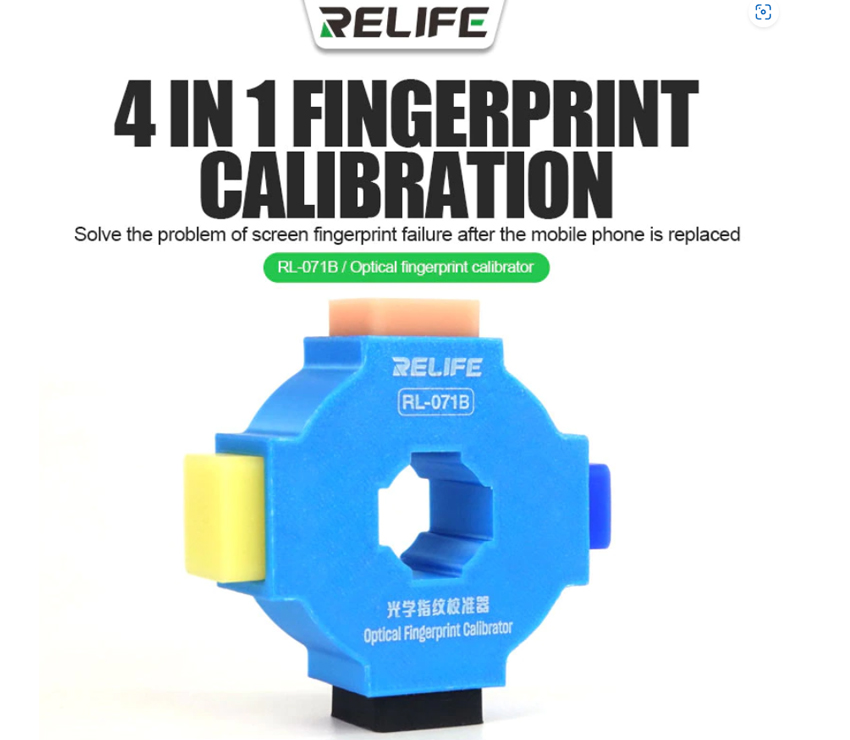
Relife RL-071B Fingerprint Calibration

€8.00
X

Create an alert to get emailed when we have stock again..


Introduce tu email para recibir una notificación cuando esté disponible

Crea una alerta para recibir un email cuando tengamos stock de nuevo

100% Secure Payments
PayPal
Visa
Mastercard
Amex
G-Pay
PP Pay in 3 interest-free installments
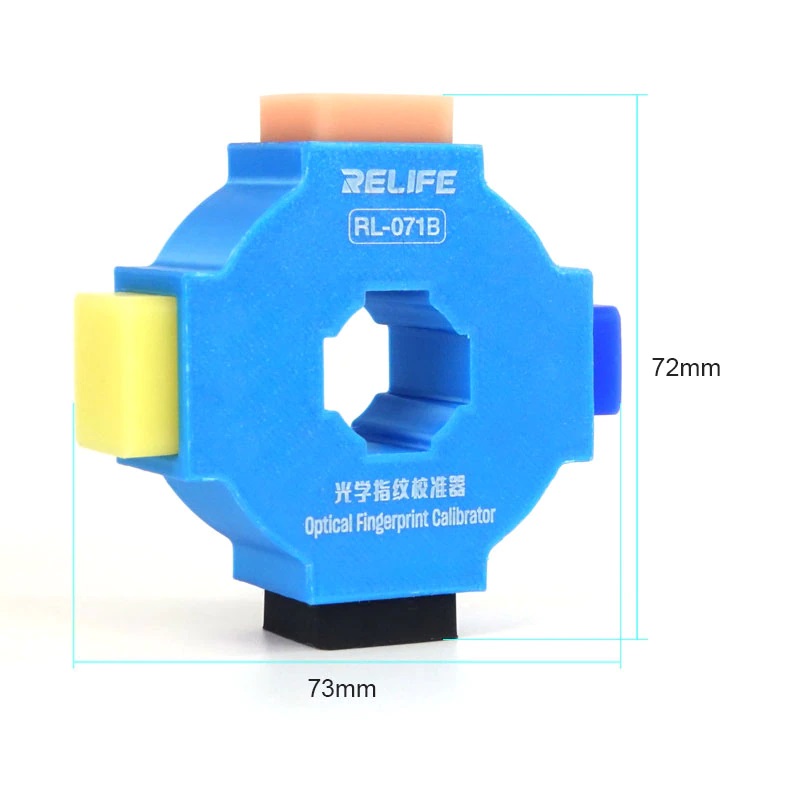
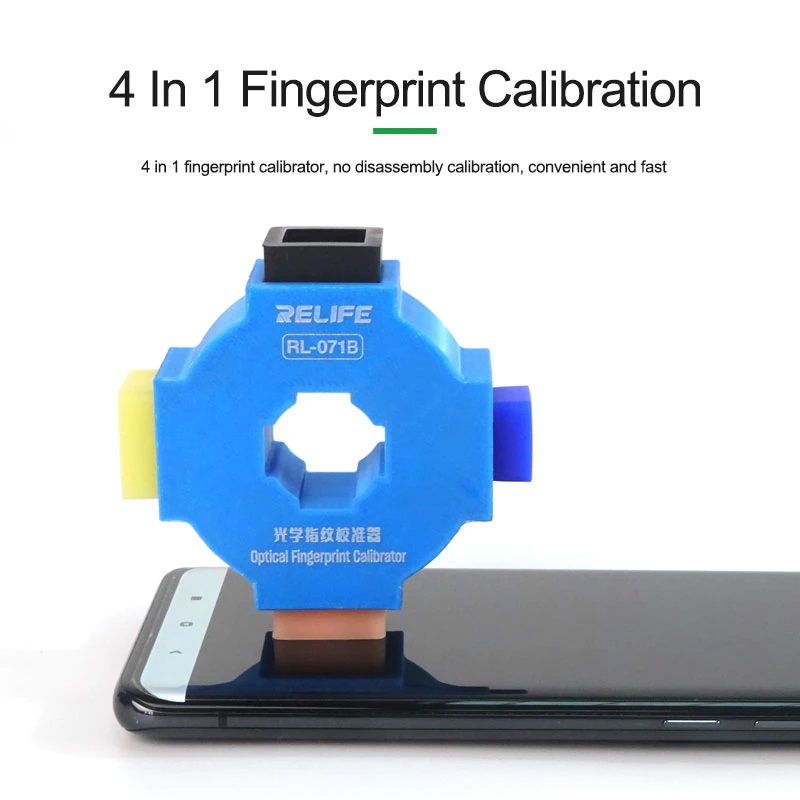
Relife RL-071B - 3rd Generation Fingerprint Calibration Tool

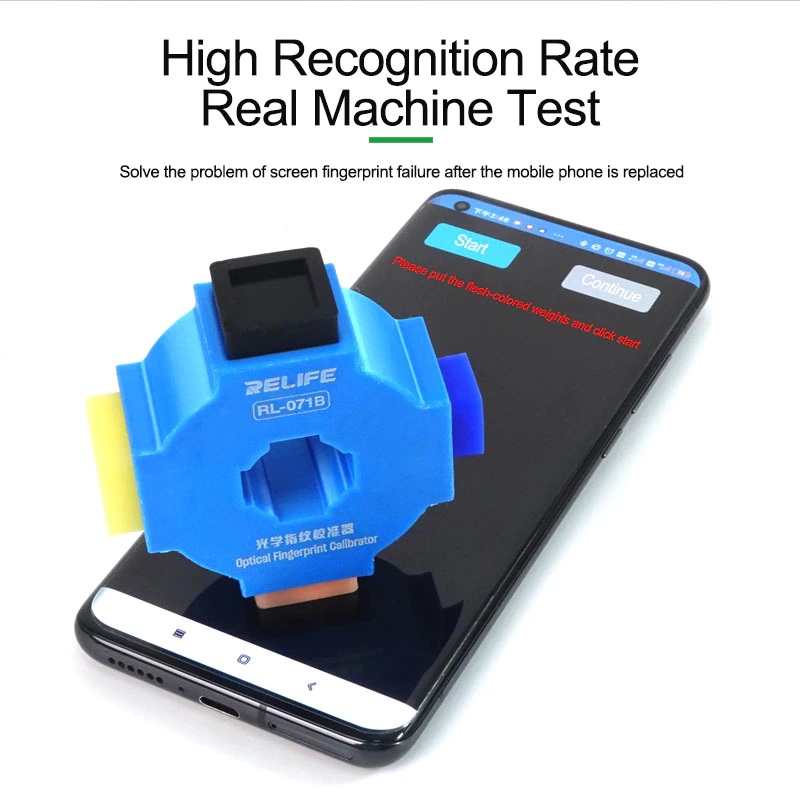
The Relife RL-071B is an indispensable professional tool for optical fingerprint sensor calibration. It is essential for restoring correct fingerprint functionality after screen replacement on brands such as Xiaomi, Huawei, Vivo, and Oppo.

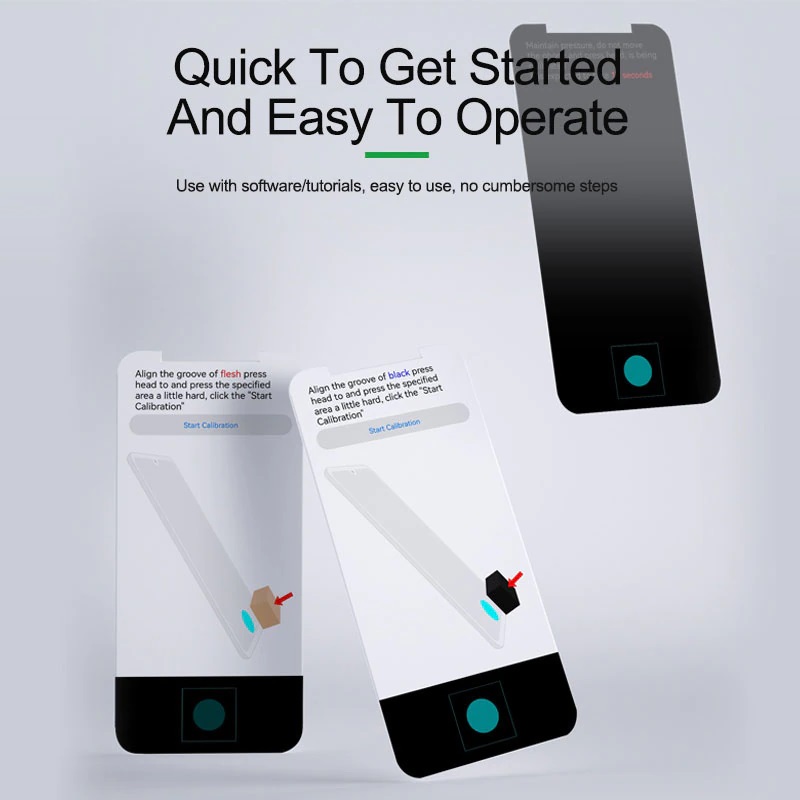
📋 Operating Procedure:

To start the calibration, enter the following codes on the phone dialer:

  • 🟠 XIAOMI: Dial *#*#6484#*#*
  • 🟢 OPPO: Dial *#899# or 6776
  • 🔵 VIVO: Dial *#64663#
  • 🔴 HUAWEI: HarmonyOS/Android - Download the APK app here and finish by installing it on the smartphone.

⚠️ Important Installation Notes:

When replacing the display (whether original or compatible), pay close attention: if the screen is not installed correctly, the calibration will fail at the final step. If the error persists, we recommend disassembling and reinstalling the screen with greater precision.

⚙️ Technical Features:

  • Compatible with under-display optical sensors.
  • Solves the "Unable to complete calibration" issue after LCD/OLED replacement.
  • Lightweight, portable, and easy-to-use tool.